
Download PDFtypewriter – edit PDF, create PDF, convert PDF, PDF editor, PDF form, interactive form, graphics editing, text editing, document tool
Overview
PDFtypewriter is a mobile application designed to simplify the management of PDF documents on Android devices. Its primary purpose is to empower users with the ability to edit, create, and convert PDF files directly from their smartphones or tablets. The app addresses common challenges faced when handling PDFs on mobile platforms—such as limited editing capabilities and poor compatibility—with a streamlined solution that requires minimal technical knowledge. This makes it particularly valuable for students, professionals, and everyday users who need to modify or generate PDFs on the go.
Target users include individuals who frequently work with digital documents, such as teachers preparing materials, business users filling out reports, or freelancers submitting proposals. The app’s intuitive interface reduces the learning curve, enabling quick adoption across different age groups and skill levels. While the developer, PDFtypewriter, is not elaborated upon in available details, the app’s long-standing presence since its release on March 25, 2009, indicates a sustained commitment to functionality and user support.
Real-world use cases include updating contracts, converting scanned documents into editable formats, designing questionnaires with interactive form fields, and integrating images into reports. In the broader app ecosystem, PDFtypewriter fills a niche by offering a lightweight yet capable tool for essential PDF operations without relying on complex desktop software.
Key Features & Functionality
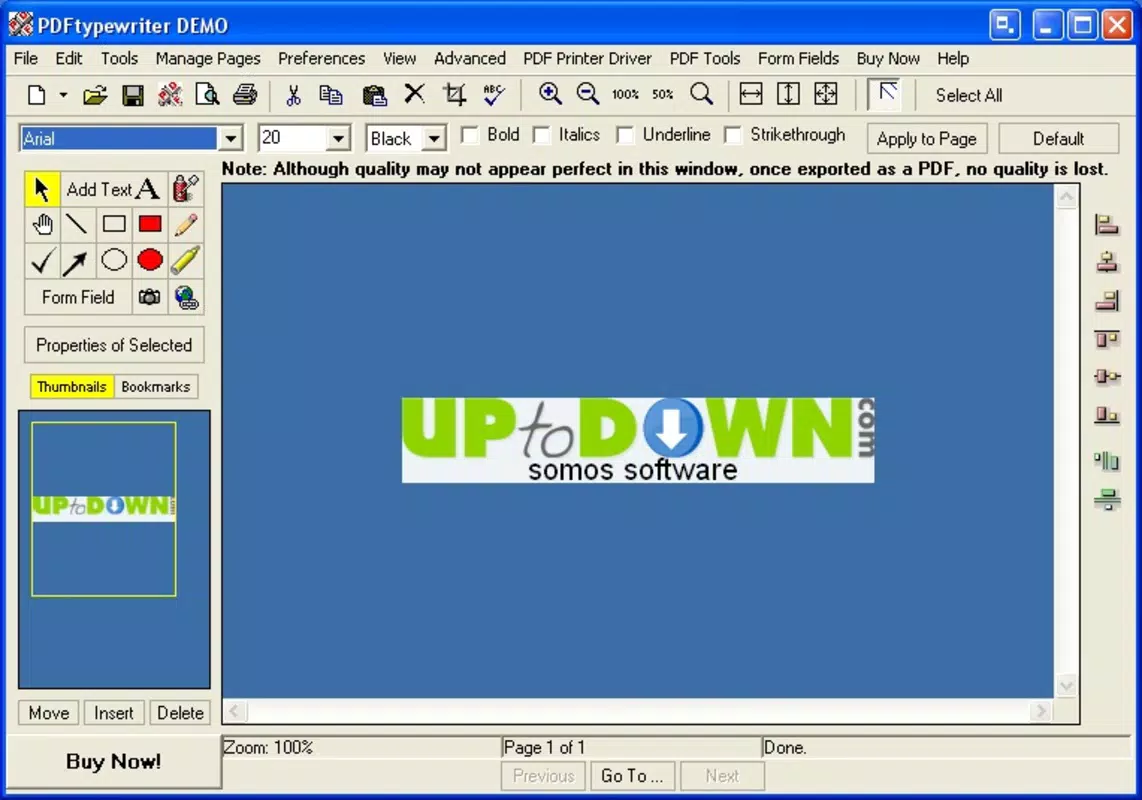
PDFtypewriter delivers a suite of practical tools tailored for efficient document handling. The app supports comprehensive text editing, allowing users to modify existing content, insert new text, or delete unwanted sections with precision. This functionality is especially useful when correcting errors in official documents or adapting templates for personal use.
- User-Friendly Interface: The layout is clean and accessible, minimizing the need for tutorials. Users can begin editing immediately, even without prior experience.
- Comprehensive Editing Tools: Beyond text, users can add, resize, and reposition images within PDFs, enhancing visual documentation for presentations or portfolios.
- Graphics Editor Integration: The app includes tools that function similarly to basic image editing software, enabling adjustments such as cropping, layering, and formatting within the document.
- Interactive Form Creation: Users can generate fillable forms like surveys, feedback sheets, and application forms directly within the PDF, with customizable fields and formatting options.
- Quick PDF Conversions: The app supports fast conversion between PDF and other common formats, such as Word, image files, and text documents, ensuring seamless workflow integration.
For example, a teacher could use the app to convert a scanned handout into an editable PDF, add instructions in their own handwriting, and distribute it as a fillable form for student responses. Similarly, a small business owner might convert a client proposal from a Word file into a branded PDF with embedded images and interactive fields for signature collection.
Interface, UX & Performance
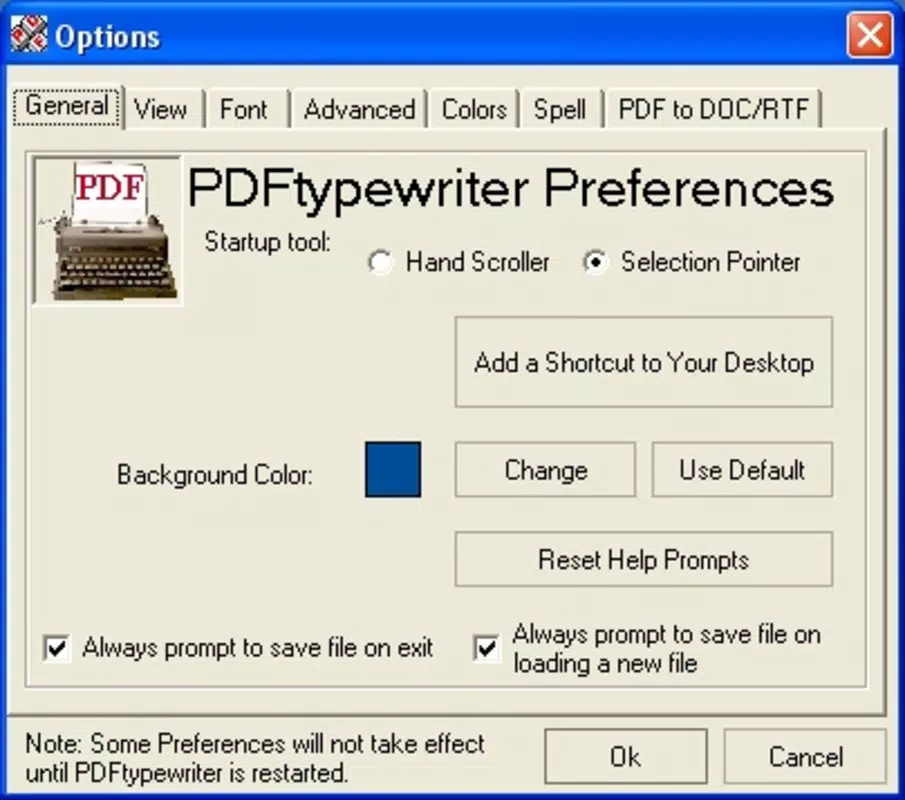
The user interface of PDFtypewriter is designed with simplicity and clarity in mind. Navigation is straightforward, with toolbars and menus logically arranged to reduce cognitive load. Users can access core functions—text editing, image insertion, form creation—through clearly labeled icons and intuitive gestures.
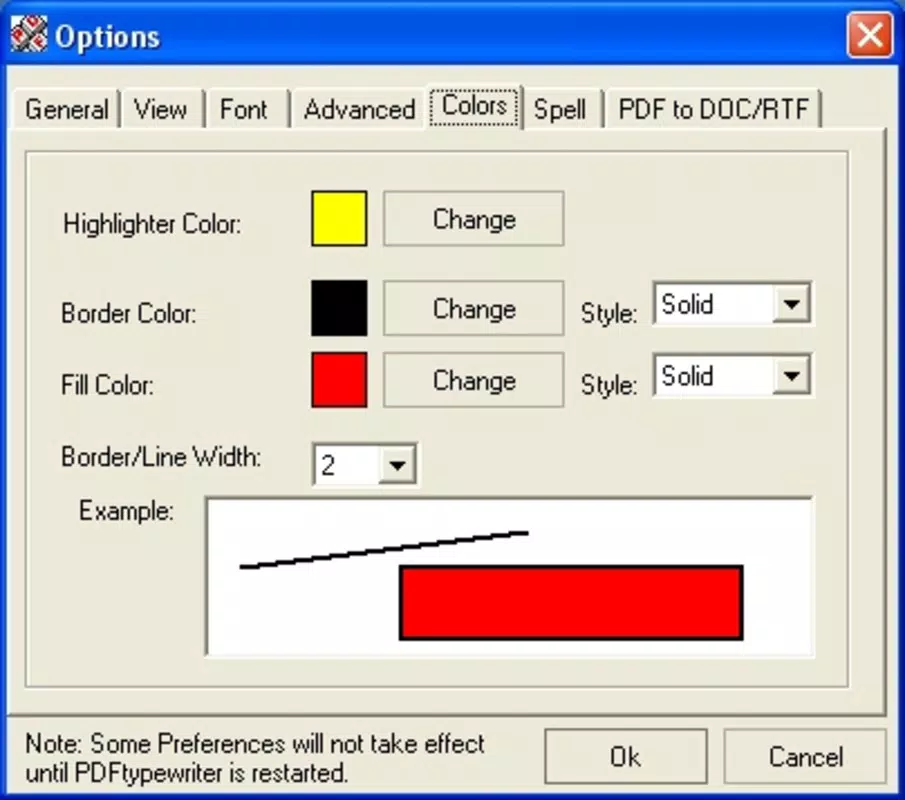
Visual style leans toward functionality over flair, using a minimalistic color scheme and readable fonts that ensure content remains the focal point. The layout adapts well to various screen sizes, maintaining usability on both standard smartphones and larger tablets.
Although the developer did not list formal performance metrics, the app’s lightweight footprint of 45.8 MB suggests efficient resource usage. It runs smoothly on mid-range Android devices, with responsive interactions during editing and conversion tasks. Stability appears consistent, as the app has remained available and functional since its initial release in 2009.
Users can expect minimal lag when handling standard-sized documents. However, performance on older or low-memory devices may vary, though no specific requirements were disclosed.
Platform Compatibility & Technical Requirements
PDFtypewriter is available exclusively on the Android platform. It supports Android devices with a minimum OS version that is not specified by the developer. The app has a file size of 45.8 MB, which is relatively modest, allowing for quick installation on devices with limited storage.
Given its release date of March 25, 2009, the app has evolved over more than a decade, indicating compatibility with multiple Android versions. However, specific compatibility details for older or newer OS versions were not provided. Users should ensure their device meets the system requirements set by their current Android version.
The app is currently free to download and use, with no in-app purchases or subscription models mentioned. This accessibility enhances its appeal across a wide user base.
Pros and Cons
Pros
- Intuitive interface suitable for users of all experience levels.
- Offers essential PDF editing, creation, and conversion tools in one app.
- Includes interactive form builder for collecting user data efficiently.
- Supports graphics editing within PDFs for enhanced visual content.
- Lightweight size (45.8 MB) ensures fast installation and minimal storage impact.
- Free to download and use with no hidden costs.
Cons
- Specific OS requirements were not disclosed by the developer.
- No information on cloud integration or cross-device synchronization.
- Limited details on advanced features or export options beyond basic formats.
- Compatibility with very old or low-end Android devices remains uncertain.
- Developer did not provide performance benchmarks or update frequency.
FAQ
Is PDFtypewriter safe to download and install?
Yes, the app is available through official Android channels and has been in use since 2009. As it is free and does not require excessive permissions, it is considered secure for general use.
Can I use PDFtypewriter on iOS devices?
Currently, the app is only available for Android. There is no official iOS version listed by the developer.
Does PDFtypewriter support converting scanned documents to editable text?
The app supports conversion of various file types to PDF and vice versa, but specific OCR (optical character recognition) capabilities for scanned documents were not confirmed.
Are there any in-app purchases or ads?
As of the latest version, the app is free with no in-app purchases or advertisements noted. However, future updates may introduce monetization features.
How often is PDFtypewriter updated?
The developer did not disclose update frequency. The current version is 3.1.2, released in 2009, but the app remains accessible and functional.
Final Thoughts
PDFtypewriter stands out as a reliable, no-frills solution for mobile PDF management. Its combination of text editing, graphics integration, and interactive form creation makes it a versatile tool for both personal and professional use. While it lacks modern features like cloud sync or advanced automation, its core functionality remains effective and accessible.
Users who need a straightforward way to edit, create, and convert PDFs without the complexity of desktop software will find great value in this app. Its long-standing presence in the Android ecosystem speaks to its stability and user trust.
Download PDFtypewriter now


